
Latest Software Updates & Events!
Current Status - Online
Seazona is Live!
What’s New in Seazona!
We’ve been working on new features and improvements to make managing your dental lab faster, easier, and more efficient. Here’s a look at some of our latest updates.
🎙️ Voice to Text for Order Notes
Adding notes to an order just got easier!
Voice dictation is now available in all four Order Notes fields:
• Lab Notes
• Technician Notes
• Invoice Notes
• Comments
Voice dictation can be used when creating a new order or editing an existing order. Any dictated text will automatically be added to your existing notes, so your previous notes will remain intact.
✨ New Client Portal Dashboard
The Client Portal has received a refreshed dashboard with a cleaner, easier-to-use interface. Clients can now quickly view important information, including:
• Recent order activity
• Orders requiring approval
• Important case information
• Activity organized by doctor
The updated design makes it easier for dental offices to see what needs their attention and manage their cases.
💳 Improved Clients Portal Statements Page
We’ve updated the Statements page to make billing information easier to review. Clients can now more easily view their current balance and access statement information from one convenient location.
👨⚕️Easily Sort Orders by Doctor on the Client Portal
A Doctor column has been added to make organizing orders even easier. Simply click the Doctor column header to quickly sort orders by doctor. This is especially helpful for offices with multiple doctors managing cases through the Client Portal. A new filter option has also been added in the top-right corner as well to filter by doctor or what cases are due today.
More Updates Are Coming!
We’re continuing to improve Seazona with new features and enhancements designed to simplify your workflow and help your team stay organized.
Thank you for choosing Seazona Software!
~The Seazona Team
September 15, 2026
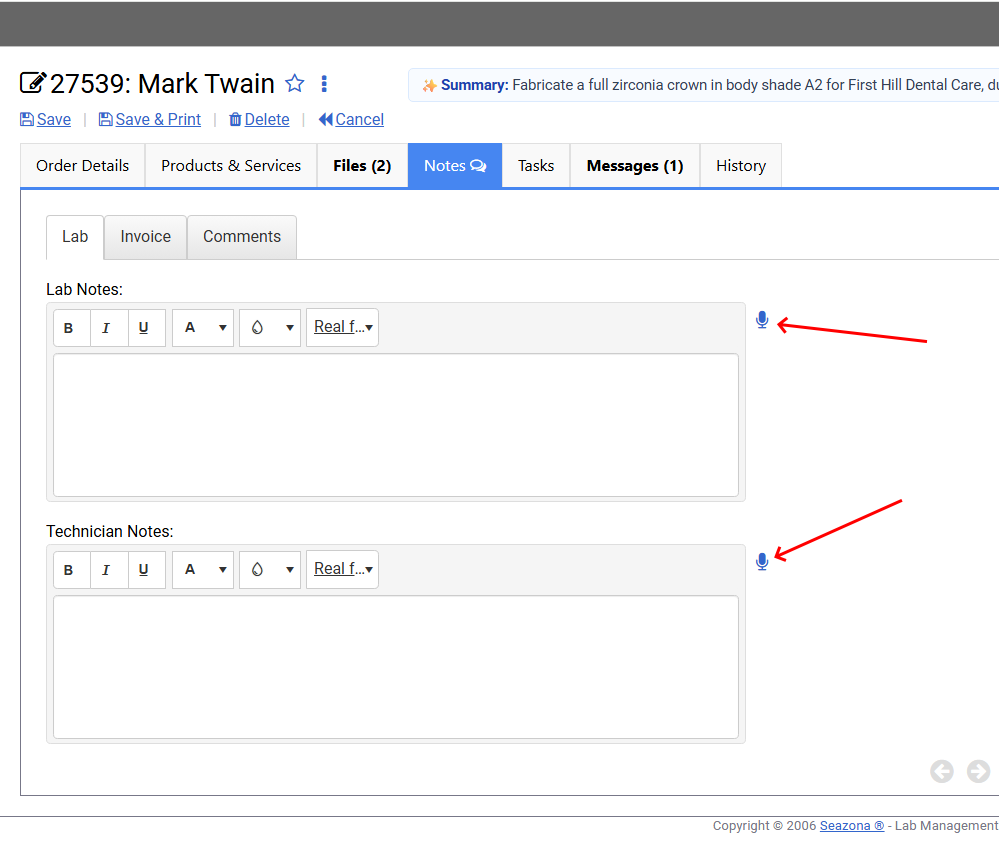
Voice to Text:
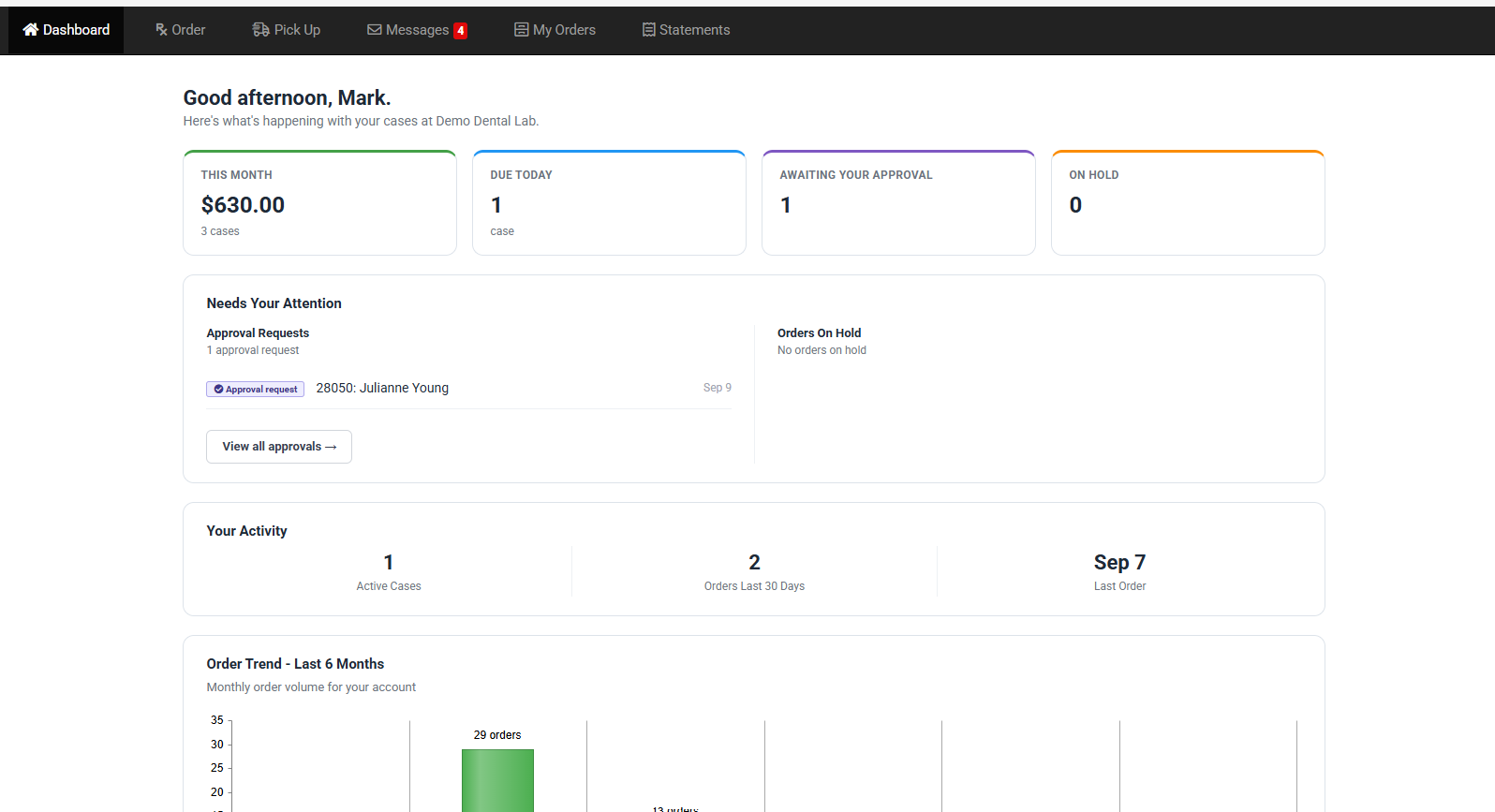
Client Portal Dashboard:
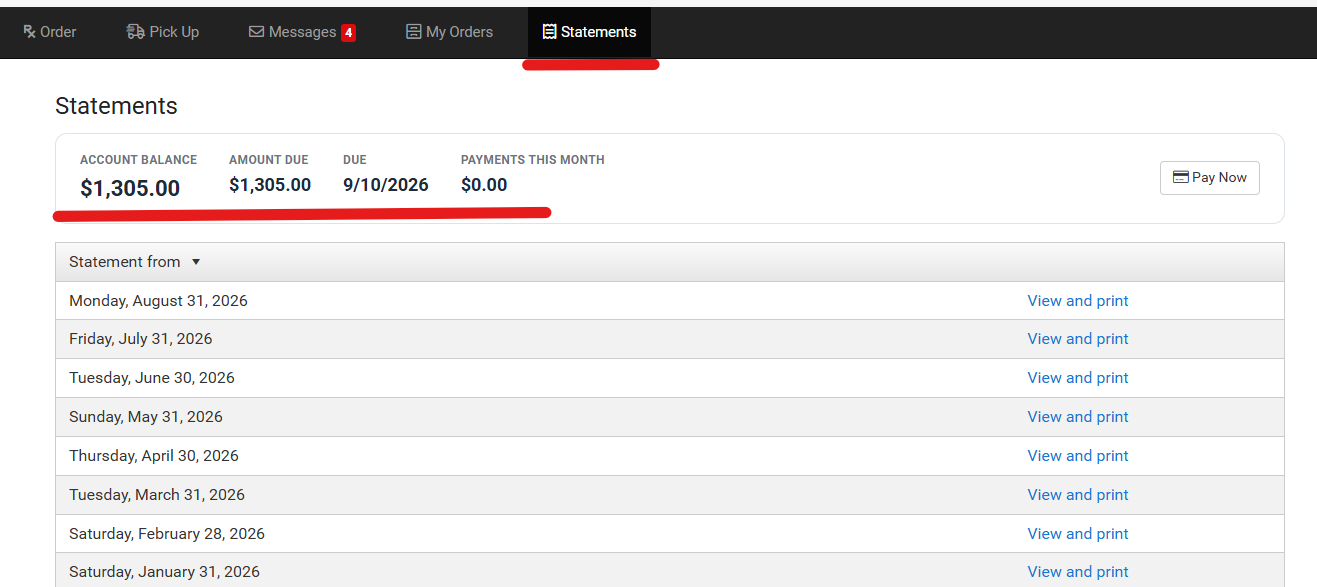
Client Portal Statements:
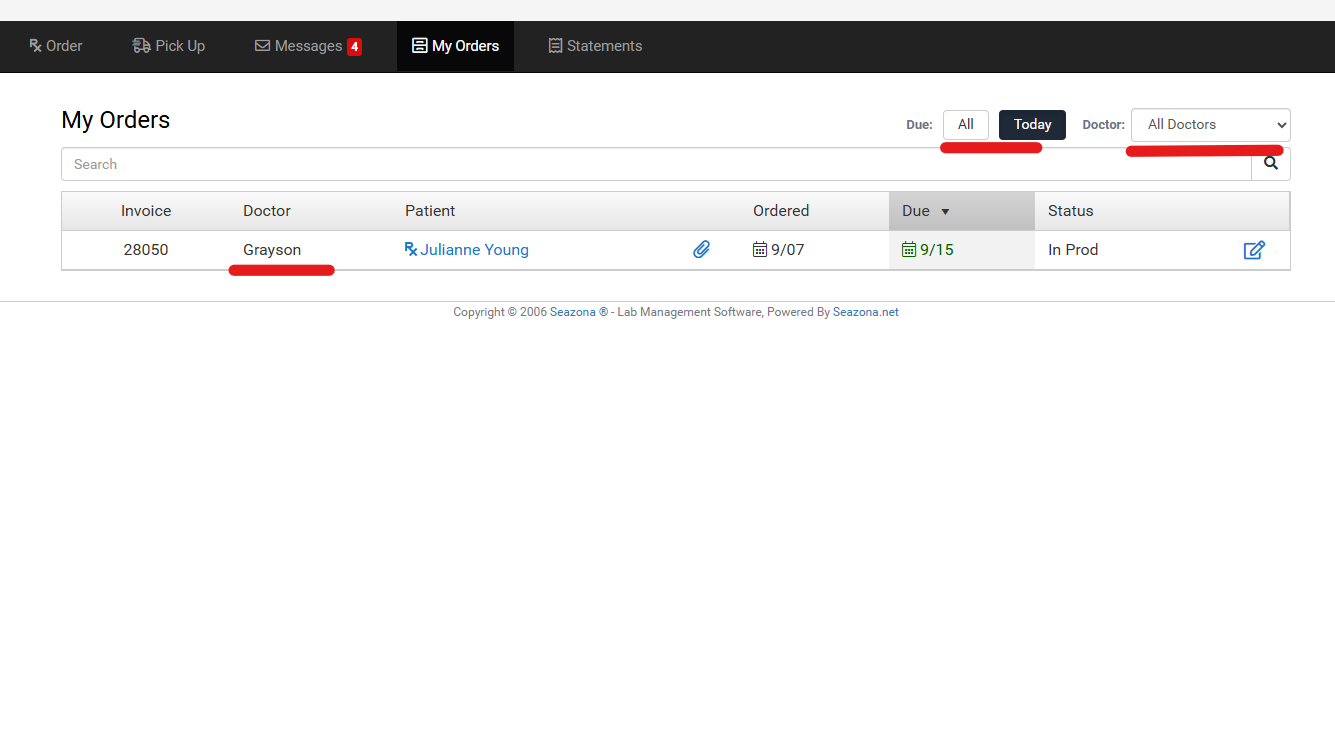
Client Portal Orders:
Upcoming Events
-
✅LMT Lab Day West 2026
Hyatt Regency Orange County
Date: May 15–16, 2026
Booth: H-3
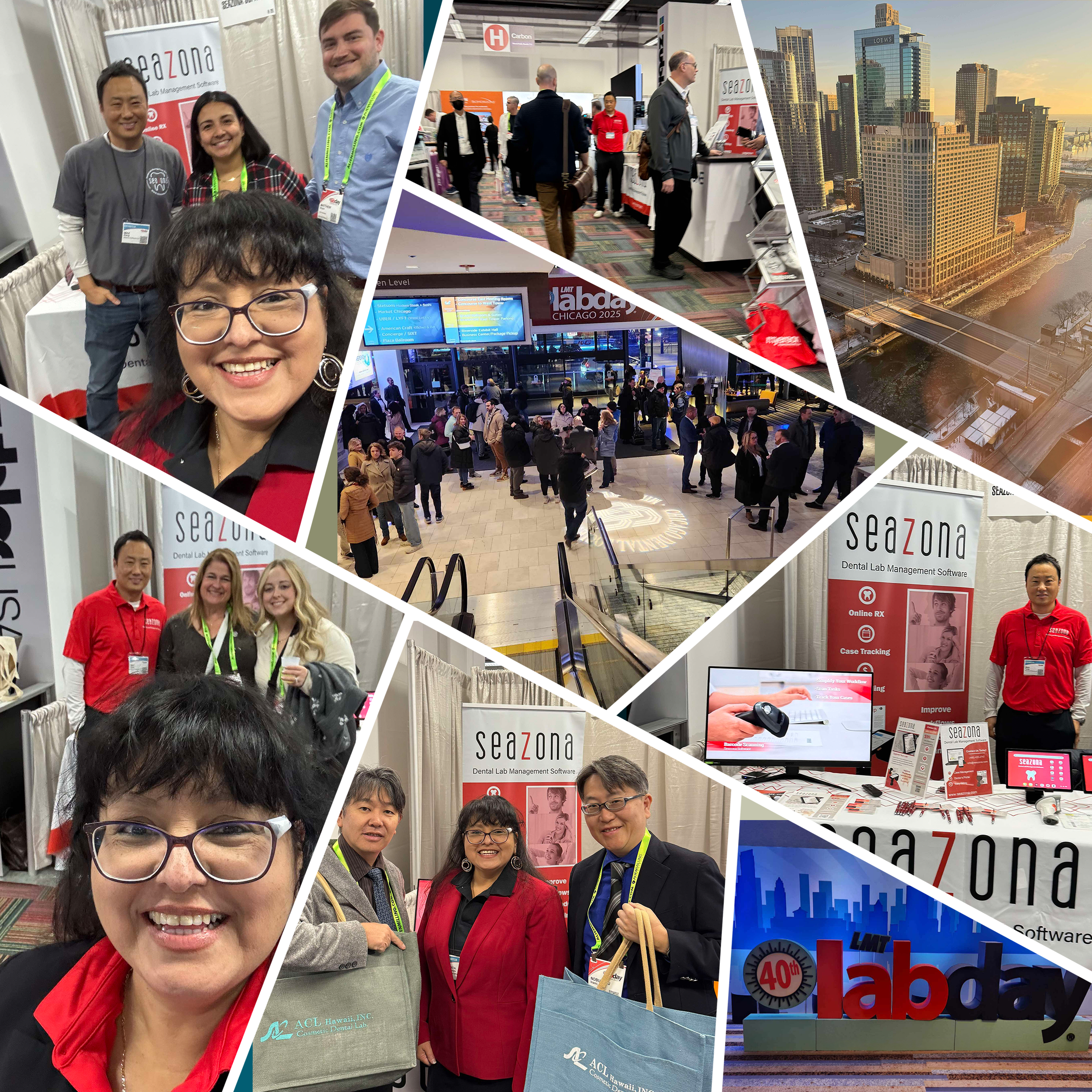
Location: Grand Exhibit HallWe were so happy to see everyone at LMT Lab Day West 2026! It was wonderful connecting with our valued customers, meeting new faces, and sharing some Seazona goodies. Thank you to everyone who stopped by to say hello. We hope to see you again next year!
-
❄️LMT LAB Chicago 2027
Location: Hyatt Regency Chicago
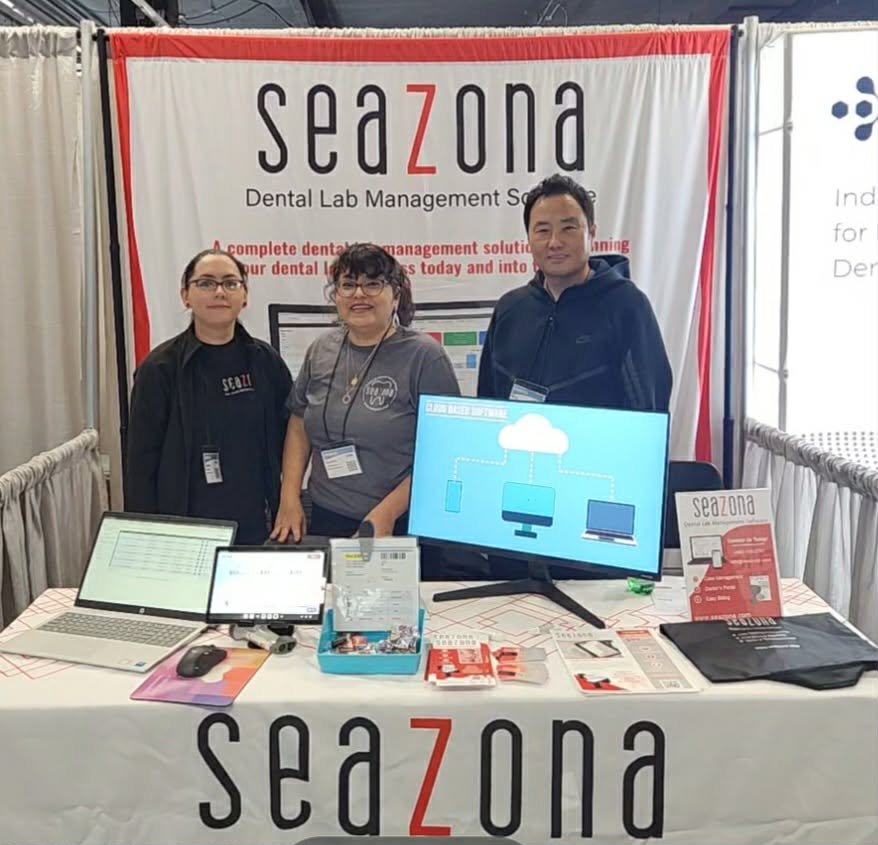
Date: February 2027Join us at Lab Day Chicago! We’ll have free merch, live support, and plenty of reasons to take a break from the winter weather.
Stop by, warm up, say hello, and meet the Seazona team. We always enjoy connecting with our customers and can’t wait to see you there!
-
More Events Coming Soon!
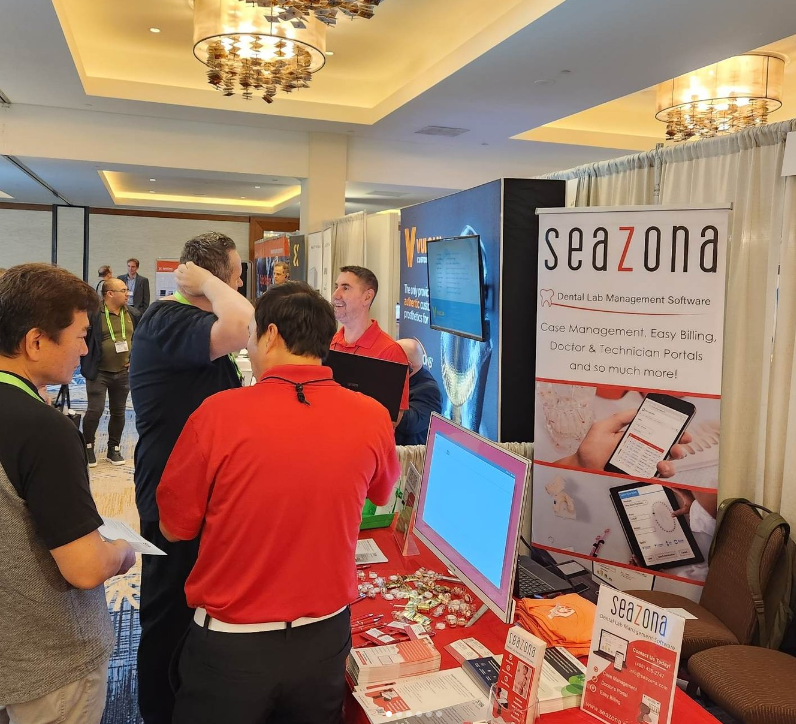
We’re always happy to attend conventions — let us know if there are any you’d like us to join, and we’ll keep you updated as soon as we have more information. Follow us on social media or join our newsletter to stay connected.
Thank you for your continued support!
Follow us on Instagram & Facebook to stay updated on the latest news and participate in exciting giveaways!


